Start copying in minutes.
Add your mentor's investor password, connect your own MT5 account, and Cloud Copy does the rest.
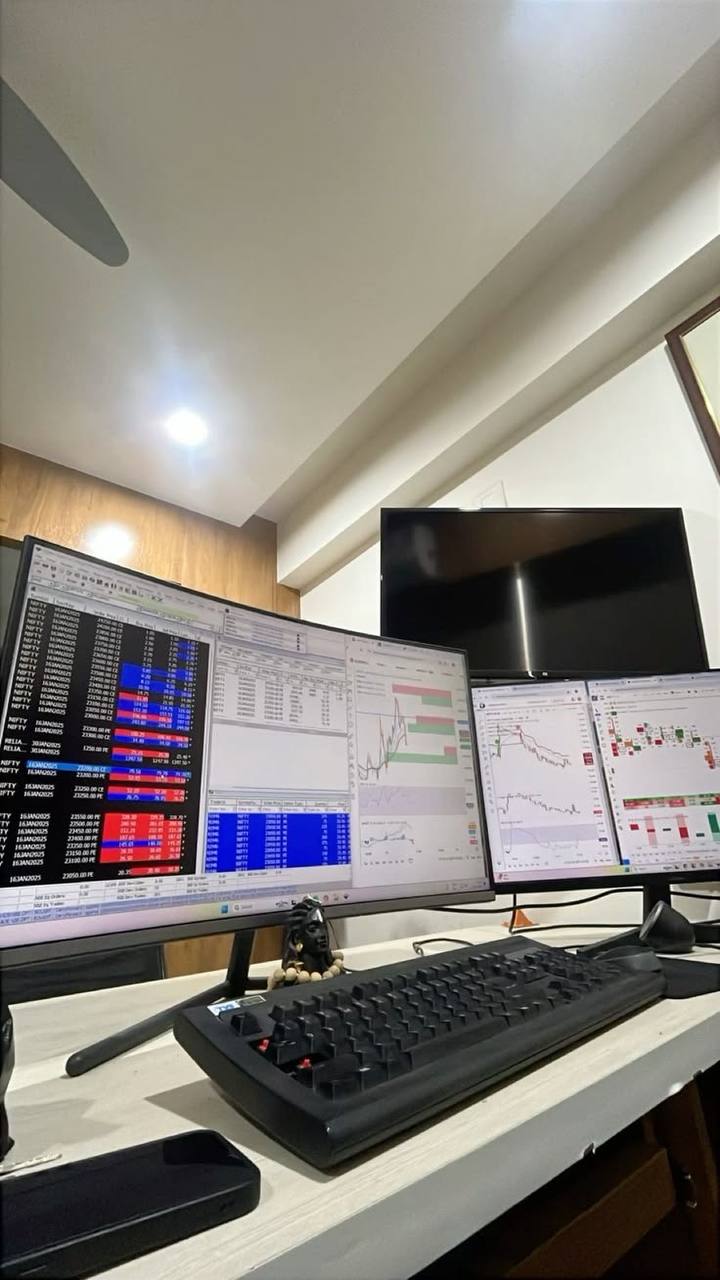
Cloud Copy connects directly to your mentor's and your own MT5 account from our servers — no EA, no VPS, no terminal to keep open. Paste the credentials and trades copy automatically, even if your PC is off.
Copy trading lets you automatically mirror the trades of an experienced trader (your mentor) on your own brokerage account. When your mentor opens a trade, the same trade opens on your account. When they close it, yours closes too. You decide the lot size, the pairs, and the risk limits — and your money always stays in your own broker account.
Trades execute on your own MT5 account.
Follow the entries and exits of a trader you trust, in real time, and learn how they manage risk.
No waiting at the screen, no missed signals. Every copy arrives within seconds, with a Telegram alert.
Trading involves risk. A mentor's past results do not guarantee future performance — only trade with money you can afford to lose.
Everything runs on our servers, 24/5.
Pick any signal provider, VIP group, or mentor you already trust. Ask them for their MT5 investor password — it's read-only and cannot touch their funds.
Enter the mentor's account ID, investor password, and broker server. We connect to their account on our servers — their password is encrypted before storage and never shared with any third party.
Add your live account credentials. Set your lot size, choose which pairs to copy, and configure your risk rules — daily loss limit, max positions, equity protection.
Every time your mentor opens a trade, our servers fire it on your account within seconds — same pair, same direction, your lot size. Closes mirror too. You get a Telegram alert for every copy. Nothing to keep running on your end.
Normally, copying trades on MT5 means keeping a terminal open and logged in around the clock. That is why many traders rent a VPS (virtual private server) — a remote computer that never switches off — for a monthly fee, then set it up and maintain it. With Cloud Copy, that always-on terminal runs on our servers instead. There is no VPS to rent, no software to install, and nothing to keep open on your side.
Skip the monthly VPS bill and the Windows server setup. Your subscription covers the hosting.
Close your laptop, lose power, or travel. Copying continues on our servers while you are away.
No EA, no terminal configuration. Enter your credentials on the website and you are live.
Control everything from the web dashboard or Telegram — from your phone, no computer required.
Following more than one mentor does not mean running more terminals on your own machine.
Paste your mentor's read-only investor password, connect your account, and start copying in minutes.
Every plan includes all risk management features.
Copy only the pairs you want. Choose BUY only, SELL only, or both. Skip what you don't trade.
Fixed lot size per trade. Set max open positions and max daily trades so your account never over-extends.
Daily loss limit, equity protection floor, and drawdown pause. Copying stops automatically when your limits are hit.
Your mentor might trade EURUSDm on Exness while your broker shows
EURUSD. or EURUSD+.
We normalise broker suffixes automatically and find the right symbol on your account.
If a symbol genuinely doesn't exist on your broker, we skip the trade and notify you via Telegram.
Besides Cloud Copy, we build trading bots and tools for MetaTrader 5.
Ready-made EAs for forex and gold, with monthly or lifetime licences locked to your MT5 account.
Browse Expert AdvisorsFair value gaps, order blocks, kill zones and market structure, coded in MQL5 for MT5.
View indicatorsCloses your trades and locks trading for the day when you hit your daily loss limit.
How it worksQuantitative strategies built on NautilusTrader and run on MT5 with mt5connect.
See Python botsA free learning path from MT5 basics to ICT concepts, risk management and coding EAs.
Start learningHave a strategy you trade by hand? We code it as an MT5 Expert Advisor or Python bot.
Request a quoteAdd your mentor's investor password, connect your own MT5 account, and Cloud Copy does the rest.